Postwith › Guides › Small business tips
How to find out what works on Instagram: post less, on purpose
Updated November 17, 2026
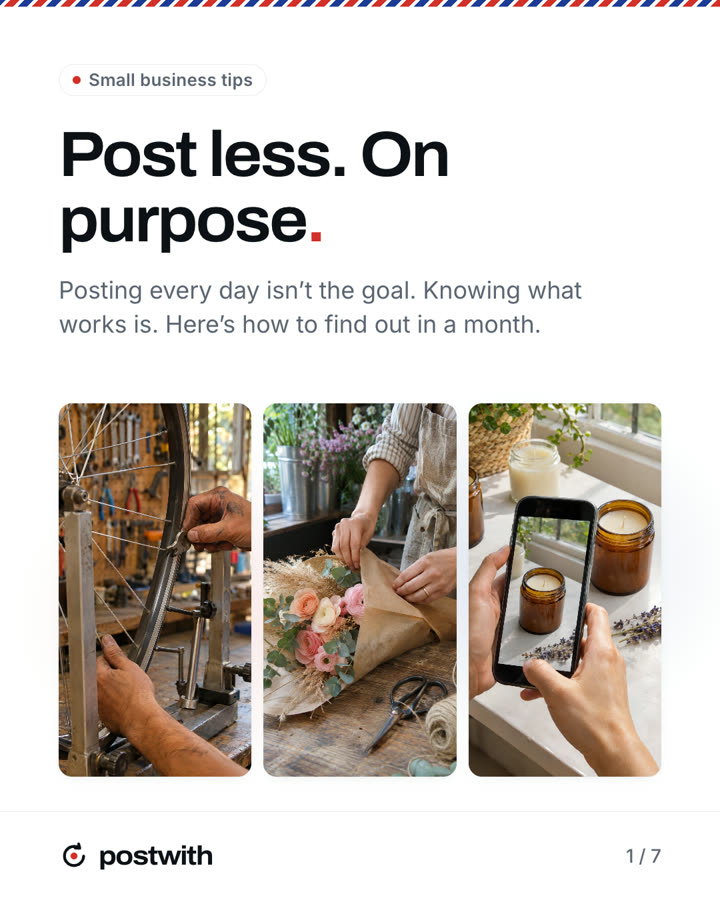
Posting every day isn’t the goal. Knowing what works is. A month of fewer, deliberate posts teaches you more than three months of posting whatever’s at hand. Here’s the test.
How do you find out which Instagram posts work for your business?
Stick to three kinds of post for a month and note which kind each one was. Seven days after each post, compare its saves and shares with your own usual. Wait for at least five posts of a kind before you decide, then make more of the kind that wins.
1. Pick three kinds of post and stick to them
For a bakery that could be the bakers at work, close-ups, and the shop window. Three is enough to compare, and few enough to keep up for a month.
2. Note what each post was
Which kind it was, photo or video, and the day it went out. A notes app or a spreadsheet is enough. Without this, you’ll remember the post that did well and forget why.
3. After seven days, compare each post with your usual
Not with your best post ever, and not with another account: with your own usual. Saves and shares tell you more than early likes. A save means someone wants it again; a share means they put their name next to yours.
4. Make two more of what wins
But wait until you have at least five posts of a kind before you decide. One great post can be luck. Five that beat your usual are a pattern.
Ask your AI to read the numbers
Here are my last [10] Instagram posts, each with its kind and its saves and shares after 7 days: [paste them]. Which kind did best? Give me 2 ideas for more posts like it, and tell me if I have too few posts to be sure.
If you post with Postwith, you don’t need the spreadsheet: it keeps every post on record and compares each one with the account’s usual, so you can just ask your AI “What’s working?”
Then post the week in one message
With Postwith in ChatGPT or Claude, posting the week takes one message. Add this week’s photos in Postwith › Media, where you can pick them all at once from your phone. Then say:
Post my 5 newest photos on Instagram, one a day, Monday to Friday at 9am. They show [what’s in each]. Write a caption for each.
Your AI writes a caption for each photo and shows you every post first. Say yes, and Postwith posts each one on its day, even if you close the chat. Set it up in ChatGPT (free works too) or Claude.
More small business tips
- Pick 3 posting times and keep them
- Post your best one again
- Plan a week of posts in 10 minutes
- All tips
Plan once. Post all week.
Postwith posts from ChatGPT or Claude to Instagram, Facebook, TikTok and four more. Nothing posts without your OK.