Postwith › Guides › Small business tips
Best time to post on Instagram for a small business: pick 3 times and keep them
Updated November 17, 2026
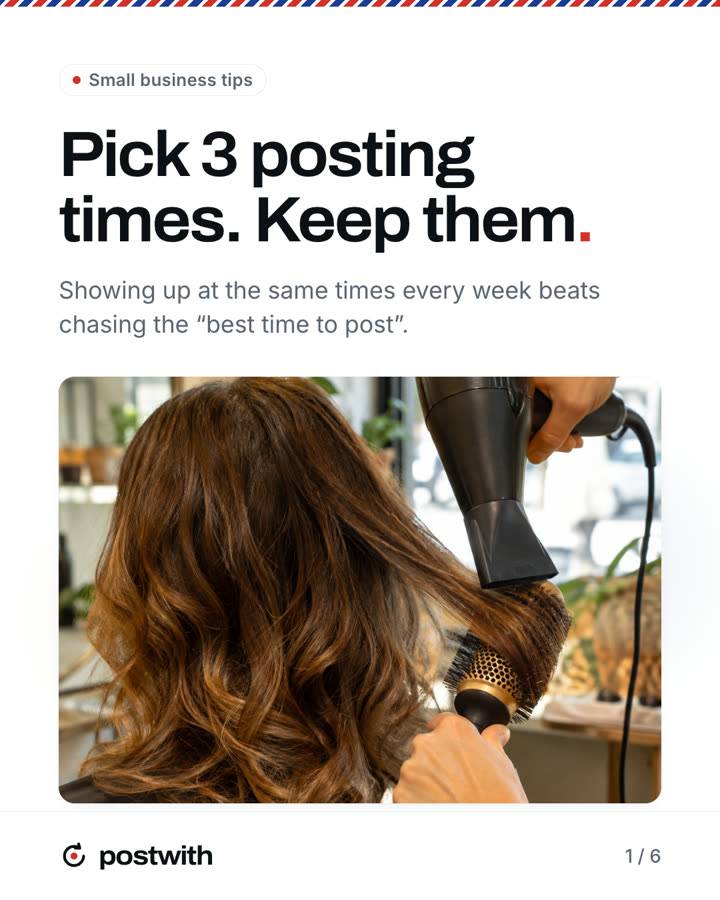
There is no single best time to post on Instagram. There’s the time your customers look at their phones, and the habit of being there when they do. Showing up at the same times every week beats chasing the perfect hour: your followers learn when to expect you, and you stop deciding every day.
What is the best time to post on Instagram for a small business?
There is no single best time. Pick three times a week when your own customers look at their phones, such as before work, at lunch or in the evening, and post at those times every week. After six weeks, keep the two that did best and try a new third.
1. Start from your customers’ day
When do they pick up their phones? Before work, at lunch, after the kids are in bed. A bakery’s regulars scroll on the way to work, a salon’s clients on a lunch break, a bike shop’s commuters on the ride home.
Instagram can help. If your account is a professional account, its insights show when your followers are most active, by day and by hour.
2. Pick three times and keep them
Three a week is enough for most small businesses, and it’s a number you can keep through a busy month. Write them down, for example Tuesday 9am, Thursday 6pm and Saturday 10am, and post at those times every week.
3. After six weeks, move one slot
Compare how the posts at each time did against your usual: saves and shares tell you more than early likes. Keep the two best times, and try a new time for the third. Six weeks gives each slot enough posts that one lucky day doesn’t decide for you.
Let your AI suggest the three times
I run a [hair salon] in [Denver]. Most of my customers are [working parents]. Suggest 3 weekly times to post on Instagram and say why each one fits their day. Then give me one post idea for each time.
Then post the week in one message
With Postwith in ChatGPT or Claude, posting the week takes one message. Add this week’s photos in Postwith › Media, where you can pick them all at once from your phone. Then say:
Post my 5 newest photos on Instagram, one a day, Monday to Friday at 9am. They show [what’s in each]. Write a caption for each.
Your AI writes a caption for each photo and shows you every post first. Say yes, and Postwith posts each one on its day, even if you close the chat. Set it up in ChatGPT (free works too) or Claude.
More small business tips
Plan once. Post all week.
Postwith posts from ChatGPT or Claude to Instagram, Facebook, TikTok and four more. Nothing posts without your OK.