Postwith › Guides › Small business tips
How to write the first line of an Instagram caption: 5 openers that make people stop
Updated November 17, 2026
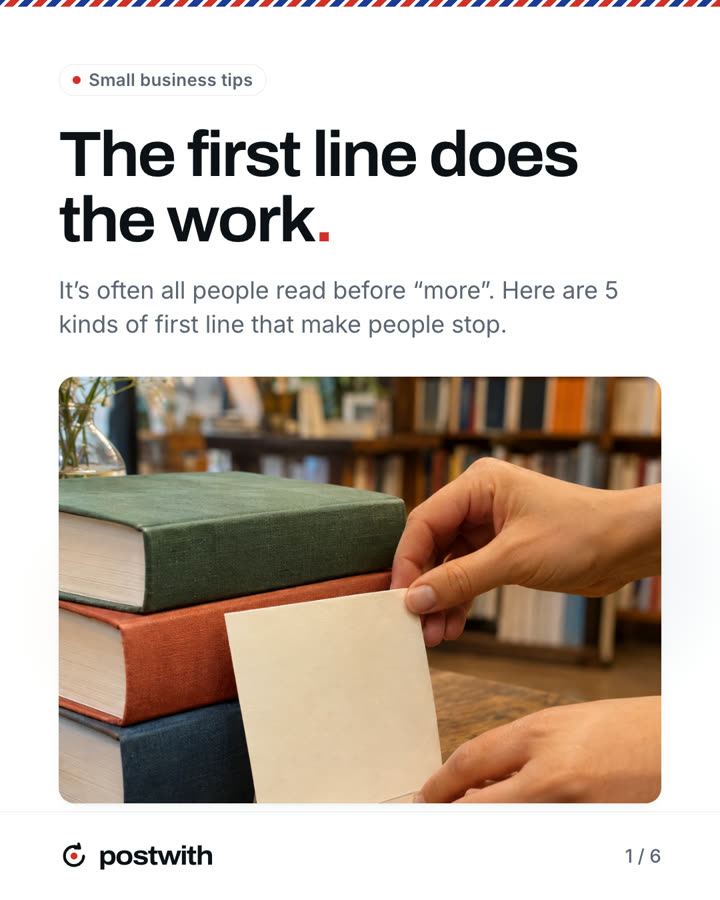
The first line does the work. On Instagram it’s often all people read before the caption folds into “more”, so it decides whether anyone reads the rest. Here are five kinds of first line that make people stop.
How do you write a good first line for an Instagram caption?
Keep it short enough to show before “more”, and make it one of five kinds: a specific detail, a question customers ask you, a number, the middle of a story, or who the post is for. Then read only that line. If you wouldn’t stop for it, rewrite it before anything else.
1. Be specific
“This one smells like a Sunday morning: cedar, coffee and orange peel.” Details people can picture beat words like “amazing” and “new”.
2. Ask the question they ask you
“Can you fix a flat while I wait?” If customers ask it at the counter, people scrolling are wondering too.
3. Start with a number
“3 things we check before every haircut.” A number promises something short and finished.
4. Start in the middle of a story
“At 5:40am, the first loaves came out cracked.” People keep reading to find out what happened next.
5. Say who it’s for
“Never touched clay? This Saturday class is for you.” The right person recognizes themselves and stops.
The test before you post
Read only the first line. Would you stop for it? If not, rewrite that line before anything else. Your AI is good at this: give it your caption and ask for five openers.
Here’s my Instagram caption: [paste it]. I run a [bookshop]. Write 5 first lines for it, under 10 words each: one specific, one a question, one with a number, one that starts mid-story and one that says who it’s for. No hype words.
Then post the week in one message
With Postwith in ChatGPT or Claude, posting the week takes one message. Add this week’s photos in Postwith › Media, where you can pick them all at once from your phone. Then say:
Post my 5 newest photos on Instagram, one a day, Monday to Friday at 9am. They show [what’s in each]. Write a caption for each.
Your AI writes a caption for each photo and shows you every post first. Say yes, and Postwith posts each one on its day, even if you close the chat. Set it up in ChatGPT (free works too) or Claude.
More small business tips
- What to post when you have nothing to post
- Post your offer without shouting
- Post your best one again
- All tips
Plan once. Post all week.
Postwith posts from ChatGPT or Claude to Instagram, Facebook, TikTok and four more. Nothing posts without your OK.