Postwith › Guides › Small business tips
What to post on Instagram when you have nothing to post: 5 ideas for small businesses
Updated November 17, 2026
Most blank days aren’t a lack of things to say. They’re a lack of a starting point. These five kinds of post work for a bakery, a salon, a bike shop or a flower stall, and each one starts from something that already happened this week.
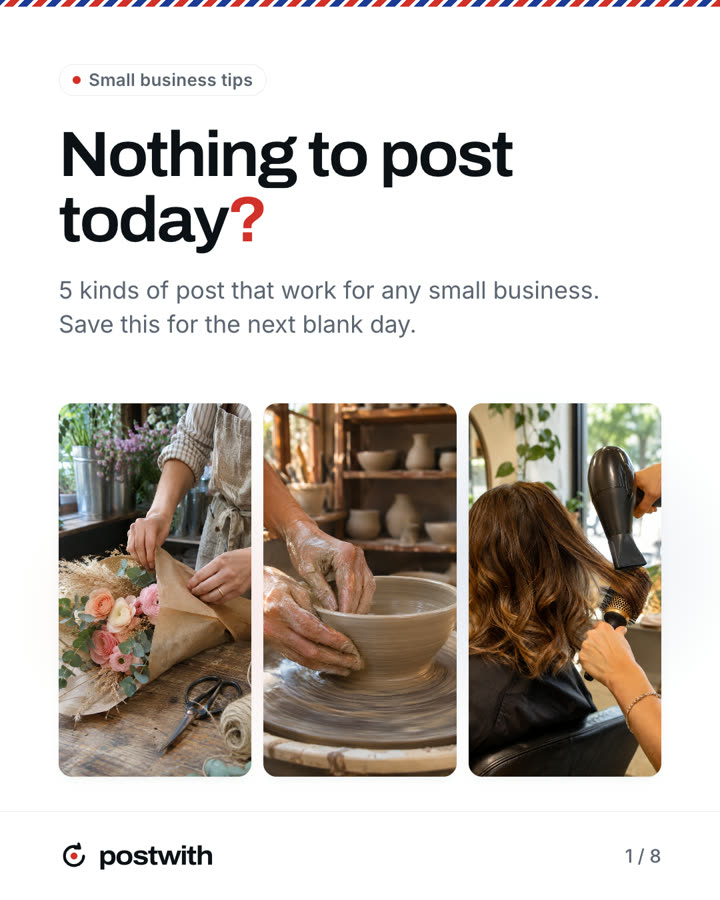
What should a small business post on Instagram when it has nothing to post?
Post one of five things that already happened this week: the work behind the scenes, a before and after, a customer’s question answered, a customer’s story, or one clear offer with its price. Each starts from something real, so you don’t need a new idea, only a photo.
1. Show the work behind it
The early start, the half-made order, the mess before the finish. People follow people, not only products, and the work in progress is the part they never get to see. A photo of flour on the counter at 6am says more about a bakery than another shot of the finished loaf.
2. Before and after
Anything that takes time makes a good pair: a lump of clay and the finished bowl, a bare shelf and a full one, a bike before the tune-up and after. Post both photos as a carousel, the before first, so people swipe to see how it ends.
3. Answer a question you hear every week
If one customer asked, plenty more were wondering. Put the question in your first line, word for word, and answer it in the caption: “Can you fix a flat while I wait?” Yes, most take about 20 minutes. Questions like this are also what people type into search.
4. Share a customer’s story
A regular’s order, a gift that landed, a photo they took of your work in their home. Ask first, then name them. Praise from someone who isn’t you is worth more than anything you can say about yourself.
5. Make one clear offer
What it is, the price, and how to get it. One offer said plainly works better than “come and see us”. For example: “Bouquet of the week: ranunculus and eucalyptus, $35. Order by Thursday, pick it up or have it delivered on Friday.”
Get this week’s ideas in one prompt
Fill in the brackets and paste it into ChatGPT or Claude. You get five ideas, each with a first line and the photo to take.
I run a [flower shop] in [Austin]. This week [what’s happening]. Give me 5 Instagram post ideas: behind the scenes, a before and after, a customer question answered, a customer story and an offer. For each, a first line under 10 words and the photo to take.
Save the list for the next blank day. Once you have five ideas, take the photos in one go, and the week is planned.
Then post the week in one message
With Postwith in ChatGPT or Claude, posting the week takes one message. Add this week’s photos in Postwith › Media, where you can pick them all at once from your phone. Then say:
Post my 5 newest photos on Instagram, one a day, Monday to Friday at 9am. They show [what’s in each]. Write a caption for each.
Your AI writes a caption for each photo and shows you every post first. Say yes, and Postwith posts each one on its day, even if you close the chat. Set it up in ChatGPT (free works too) or Claude.
More small business tips
- Plan a week of posts in 10 minutes
- 5 first lines that make people stop
- One shoot, three posts
- All tips
Plan once. Post all week.
Postwith posts from ChatGPT or Claude to Instagram, Facebook, TikTok and four more. Nothing posts without your OK.