Postwith › Guides › Small business tips
Instagram tips for local businesses: 3 habits that help people nearby find you
Updated November 17, 2026
For a local business, the follower who matters most lives ten minutes away. Three habits help those people find you, and come in.
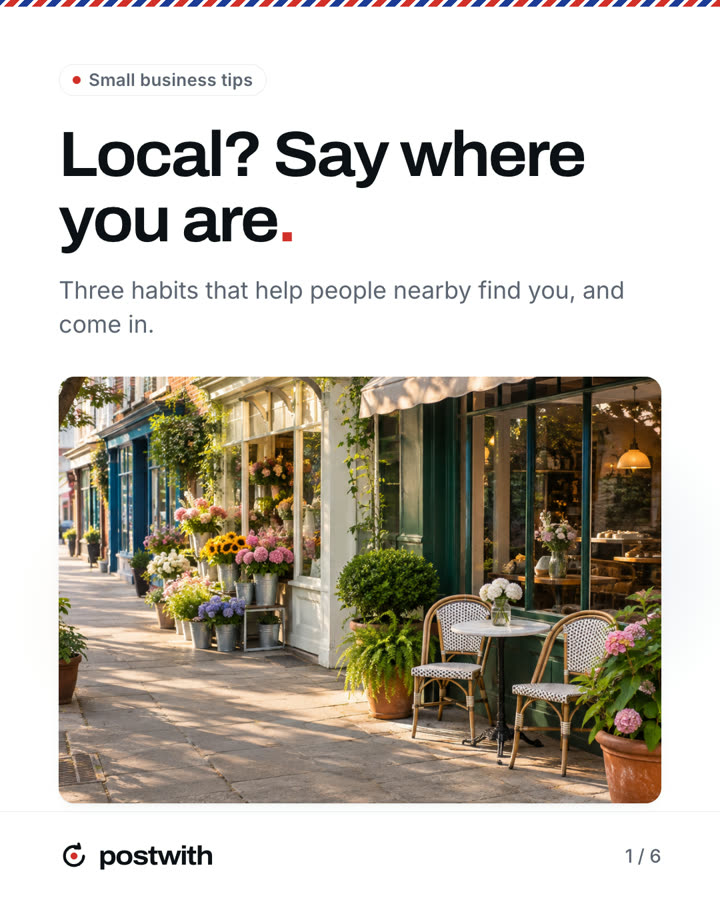
How can a local business get found on Instagram by people nearby?
Name your street or neighborhood in the caption, set your shop as the post’s location, and mention real places nearby, such as the market you sell at. Then answer comments in the first hour: a quick reply to “Are you open on Sunday?” can turn a question into a visit.
1. Name the neighborhood
The street, the area, the landmark people use. “Near the station” tells a local more than the name of your city does. “Fresh loaves from 7am on Elm Street, two doors down from the library” is a caption someone can act on.
2. Add the location, and mention real places nearby
Set your shop as the post’s location, and name nearby places when it’s true: the market you sell at, the café next door, the event on Saturday. It connects your posts to places people already know.
If you ask an AI for nearby places to mention, check each one. The prompt below asks it to say which ones to check.
3. Answer comments in the first hour
Stay near your phone for an hour after you post. “Are you open on Sunday?” answered quickly turns a question into a visit. Answered the next day, it’s often too late.
Write local captions with your AI
I run a [bike repair shop] in [your neighborhood, your city]. Write 3 Instagram captions that name the neighborhood naturally, and suggest 3 nearby places, markets or events I could mention this month. Only suggest ones you’re sure exist, and tell me which to check.
Then post the week in one message
With Postwith in ChatGPT or Claude, posting the week takes one message. Add this week’s photos in Postwith › Media, where you can pick them all at once from your phone. Then say:
Post my 5 newest photos on Instagram, one a day, Monday to Friday at 9am. They show [what’s in each]. Write a caption for each.
Your AI writes a caption for each photo and shows you every post first. Say yes, and Postwith posts each one on its day, even if you close the chat. Set it up in ChatGPT (free works too) or Claude.
More small business tips
- Small Business Saturday: show who you are
- Pick 3 posting times and keep them
- What to post when you have nothing to post
- All tips
Plan once. Post all week.
Postwith posts from ChatGPT or Claude to Instagram, Facebook, TikTok and four more. Nothing posts without your OK.